Twenty-five minutes.
One tap. Pure focus.
A Pomodoro timer that does one thing perfectly. No accounts. No gamification. No distractions from your distractions.
Three steps. That's it.
No onboarding. No tutorial. No account creation. Open the app and start focusing.
Tap Start
Open Pomino. Tap the button. A 25-minute focus session begins immediately.
Stay Focused
The timer runs in the background. You'll get a notification when your session ends.
Take a Break
5-minute break after each session. Every 4th session, enjoy a 15-minute long break.
Less app. More focus.
Most Pomodoro apps add features until they become the distraction. Pomino removes everything that isn't the timer.
25-Minute Sessions
The original Pomodoro interval. Research-backed for optimal focus without burnout. No customization needed.
Automatic Breaks
5-minute short breaks between sessions. A 15-minute long break every 4th cycle. The rhythm runs itself.
Reliable Notifications
Time-sensitive alerts that work even when your phone is locked. Never miss the end of a session.
Session Counter
See how many Pomodoros you've completed today. Simple count, no charts, no streaks, no pressure.
Dark Mode
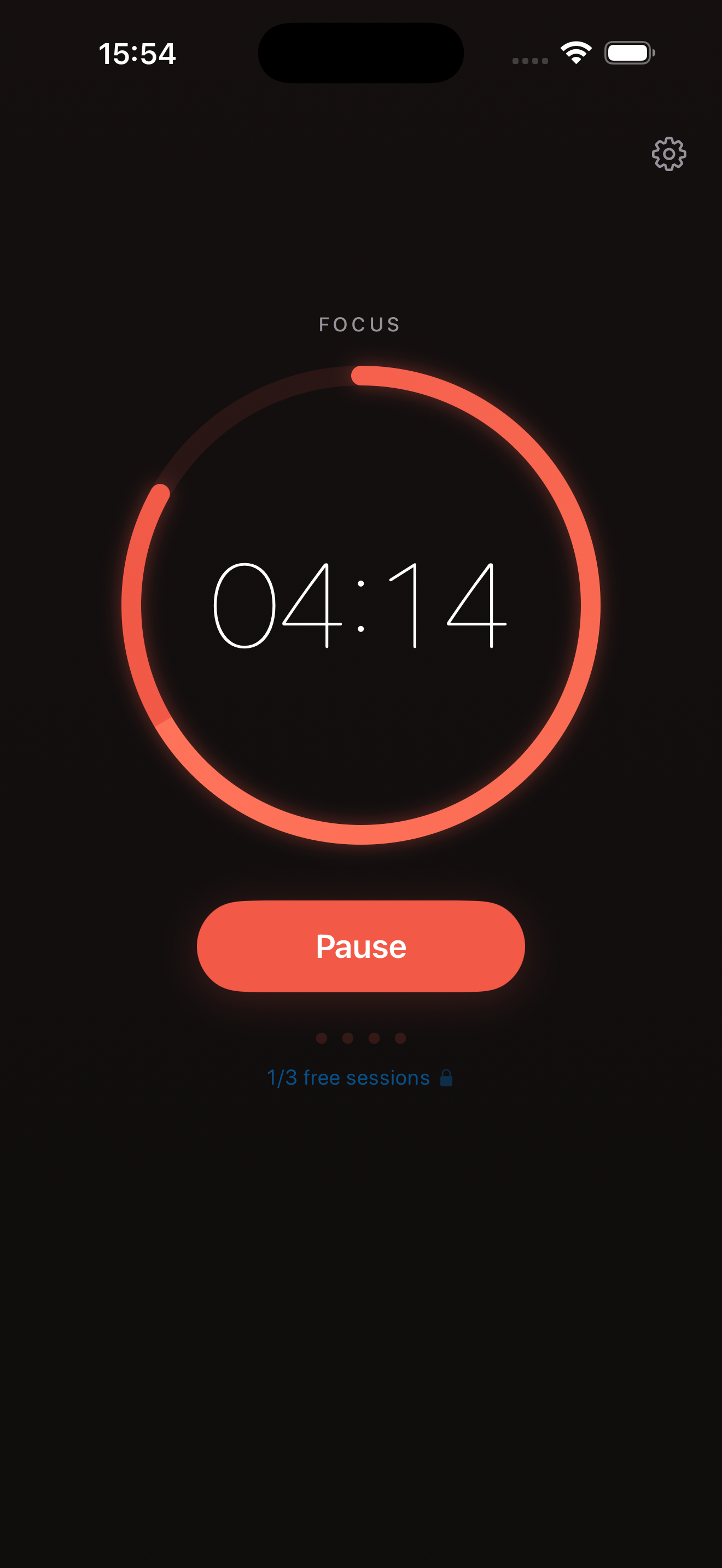
Adapts to your system setting. The warm coral timer glows beautifully on dark backgrounds. Late night focus, sorted.
Haptic Feedback
Subtle tactile responses when you start, pause, and complete sessions. Feels native because it is.
Deliberately excluded
See it in action
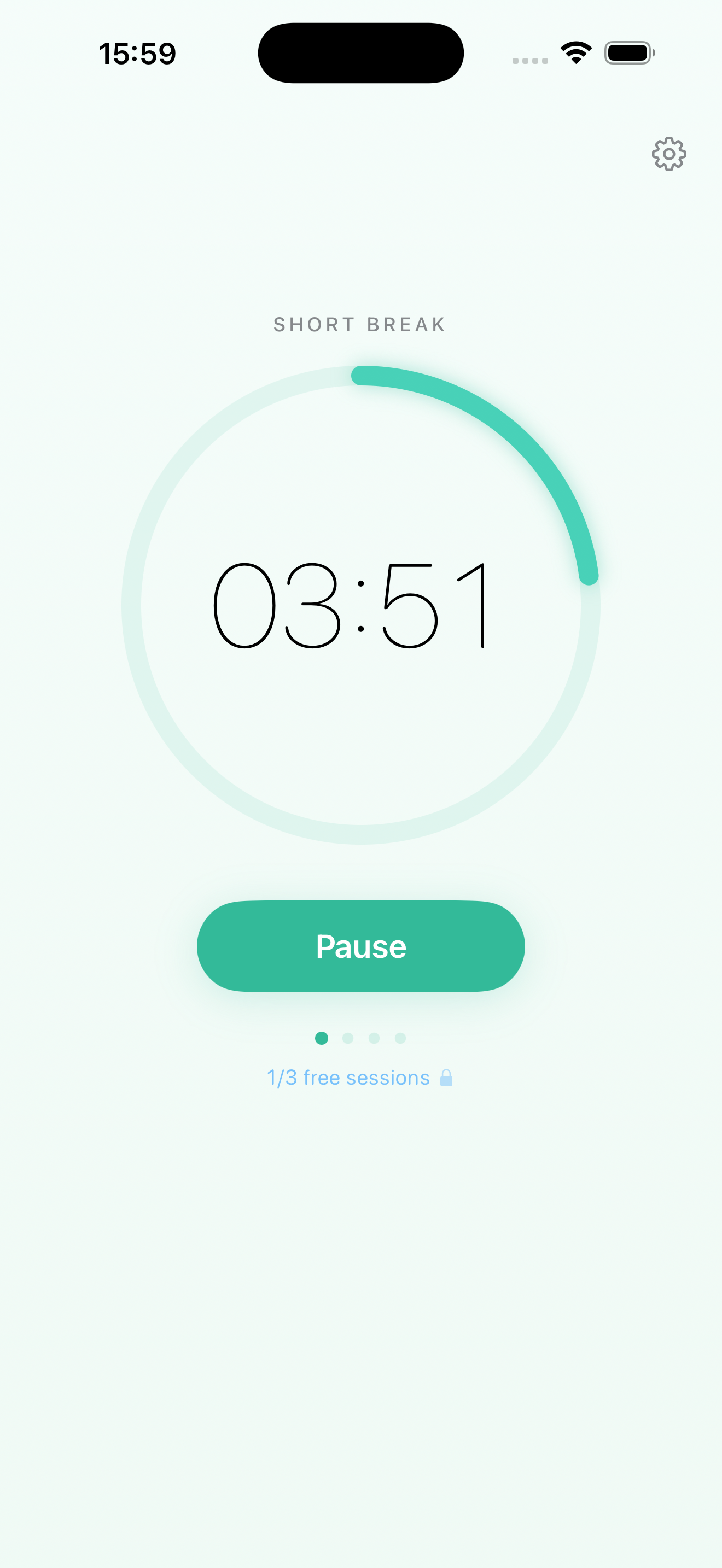
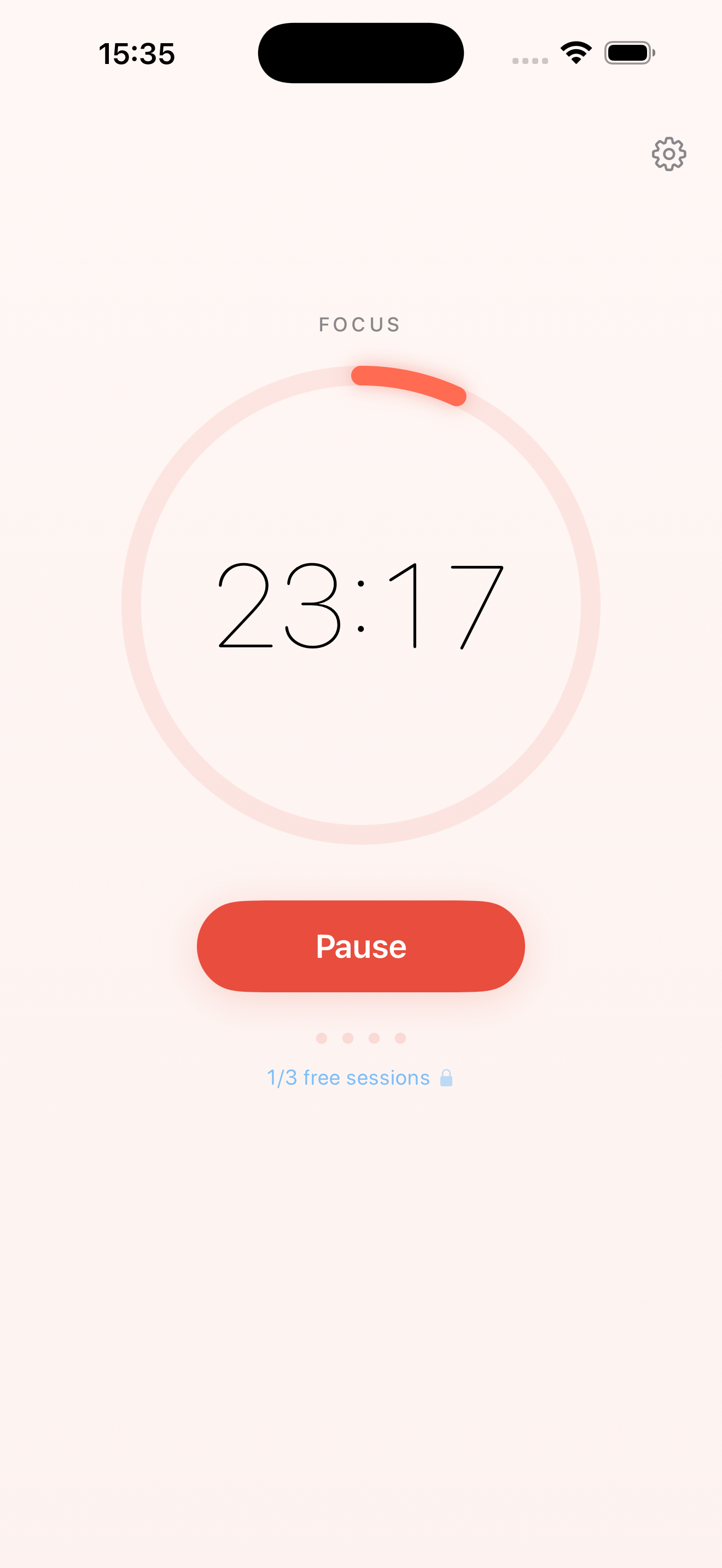
Focus mode. Break mode. Dark mode. Pomino looks beautiful in every state.
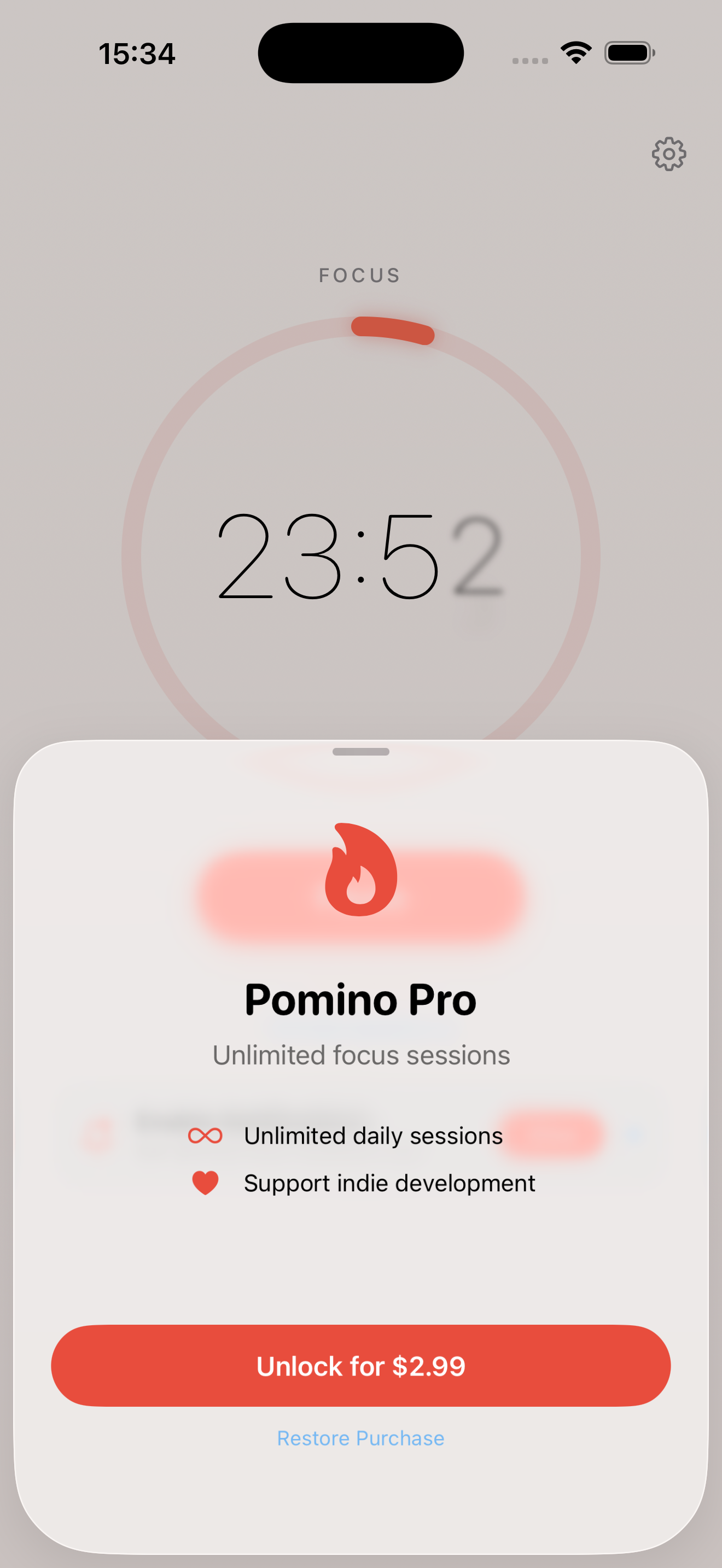
Simple pricing. No surprises.
No subscription. No recurring charges. Ever.
- 25-minute focus sessions
- Automatic break scheduling
- Background notifications
- Dark mode support
- Haptic feedback
- Everything in Free
- Unlimited daily sessions
- Support indie development
Your data stays yours
Pomino doesn't know who you are. And it never will.
No App Data Collection
Zero personal app data. Zero in-app telemetry. Zero in-app analytics.
No In-App Trackers
No third-party SDKs in the app. No advertising networks. Your focus sessions stay on-device.
100% Offline
No internet required. No servers. Everything lives on your device.
Easy Delete
Uninstall the app. All data is gone. No cloud residue.
Frequently asked questions
Is Pomino free to use?
Yes. Pomino is free to download with 3 focus sessions per day. Pomino Pro removes this limit for a one-time payment of $2.99 — no subscription, no recurring charges.
Does Pomino collect my data?
No. The Pomino app collects zero personal data. The app has no analytics SDKs, no trackers, and no third-party SDKs. Your session counts are stored locally on your device and never transmitted anywhere.
How does the Pomodoro Technique work?
The Pomodoro Technique uses 25-minute focused work sessions separated by 5-minute breaks. After completing four focus sessions, you take a longer 15-minute break. This cycle helps maintain sustained concentration and prevents mental fatigue.
Does Pomino work offline?
Yes. Pomino works entirely offline. The app requires no internet connection to function. All timer features, notifications, and session tracking work without connectivity.
Why doesn't Pomino have gamification or statistics?
By design. Focus tools should reduce distraction, not create more of it. Pomino deliberately excludes gamification, task lists, statistics dashboards, and social features to keep you focused on what matters — your work.
What happens when I use all 3 free sessions?
Your session counter resets at midnight. You can unlock unlimited sessions with Pomino Pro for a one-time $2.99 purchase. No data is lost and there are no ads or pressure — just a simple upgrade when you're ready.
Can I restore my purchase on a new device?
Yes. Go to Settings in the app and tap Restore Purchase. Your Pomino Pro purchase is tied to your Apple ID and can be restored on any device signed into the same account.
What iOS version does Pomino require?
Pomino requires iOS 17 or later. The app is optimized for all current iPhone models and takes full advantage of the latest iOS features including time-sensitive notifications and haptic feedback.
Start focusing.
Not configuring.
Download Pomino and start your first session in under 5 seconds.
Free with 3 daily sessions. No account required.